Configure Addon

IntroHater adds intro skip on top of your existing Stremio setup.

You need Stremio, a debrid account, and AIOstreams configured before this page.

Prerequisites: Stremio installed ยท Debrid account ยท AIOstreams configured

Use this if your AIOstreams is configured with multiple debrid services (e.g., TorBox + Real-Debrid)

What is AIOstreams? (read this if you're stuck)

AIOstreams is a separate Stremio addon that finds torrent streams through your debrid service. IntroHater does not search for torrents itself โ€” it reuses the streams AIOstreams already finds, then adds intro/credits skip on top.

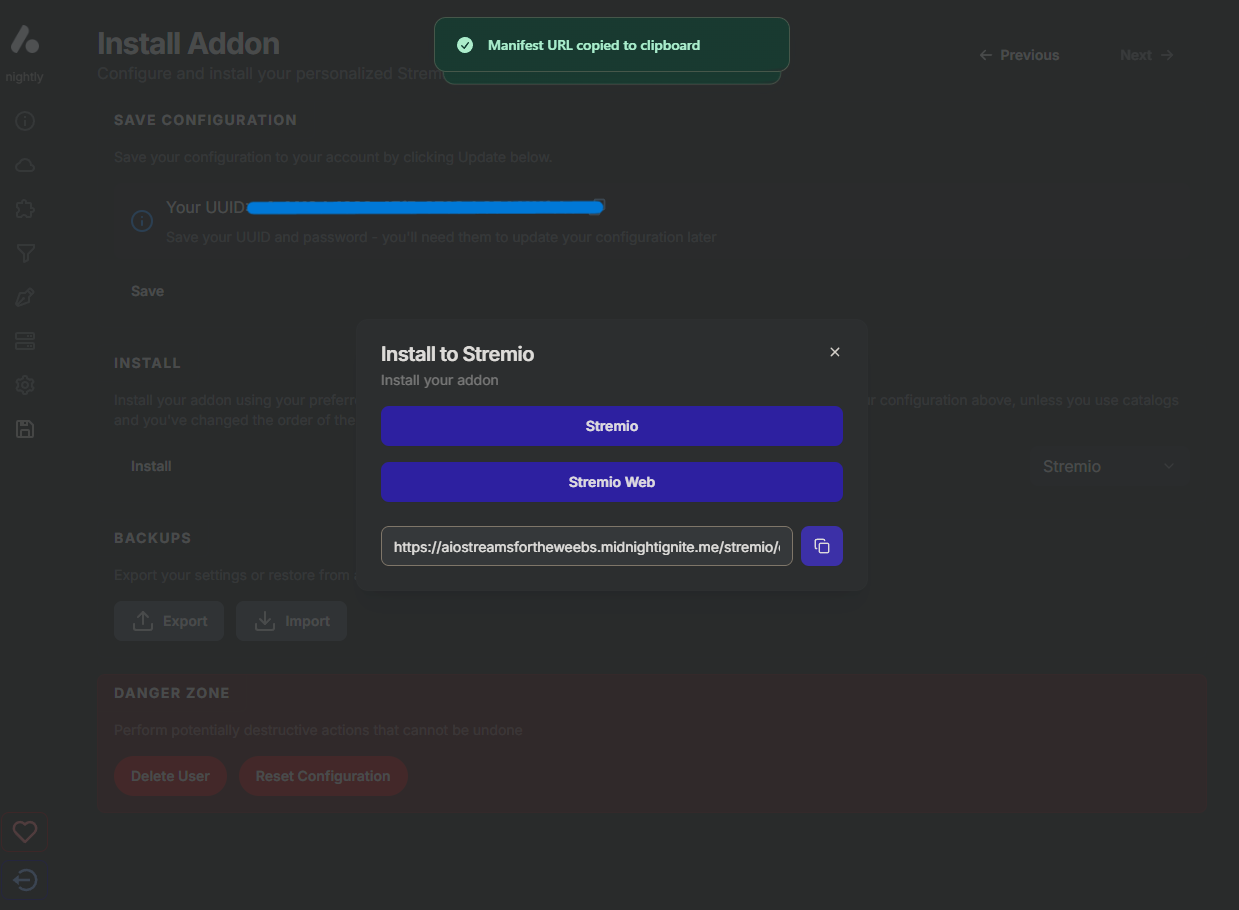
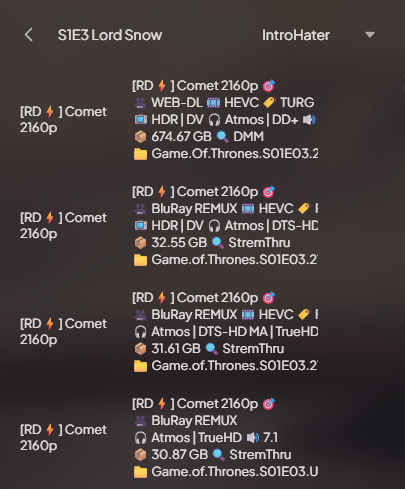
What to do: Open AIOstreams, connect your debrid account, pick a scraper (Comet recommended), install it to Stremio, then copy the manifest URL it gives you and paste it below.

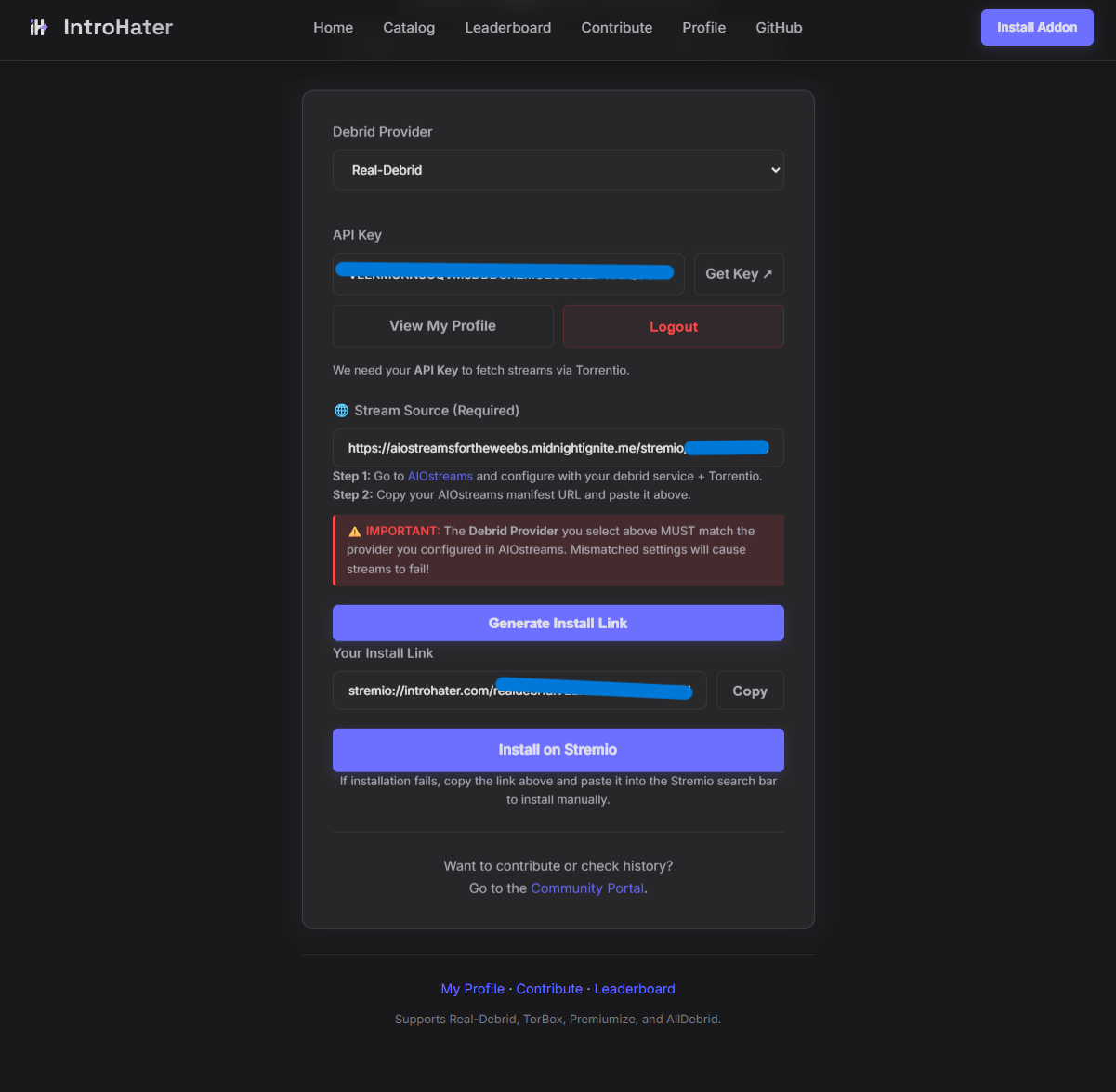
Step 1: Configure AIOstreams with your debrid + scraper (Comet recommended).
Step 2: Copy the AIOstreams manifest URL and paste it above.
Multi-Provider: If AIOstreams uses multiple debrid services, add each provider above. IntroHater picks the right key per stream.
Advanced โ€” self-hosted AIOStreams / StremThru proxy

Only needed if you self-host AIOStreams and route streams through StremThru or a similar proxy.

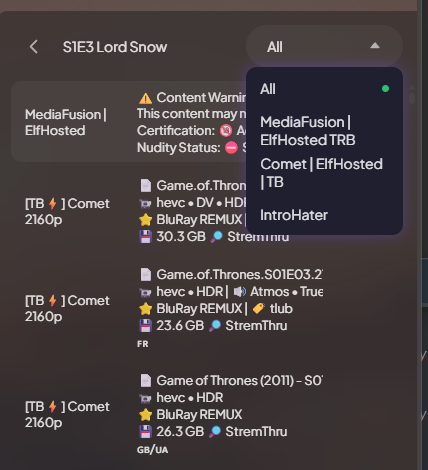
Android TV / Fire Stick: For MKV torrents, pick the Direct stream for playback. Use Skip on desktop for auto-skip.

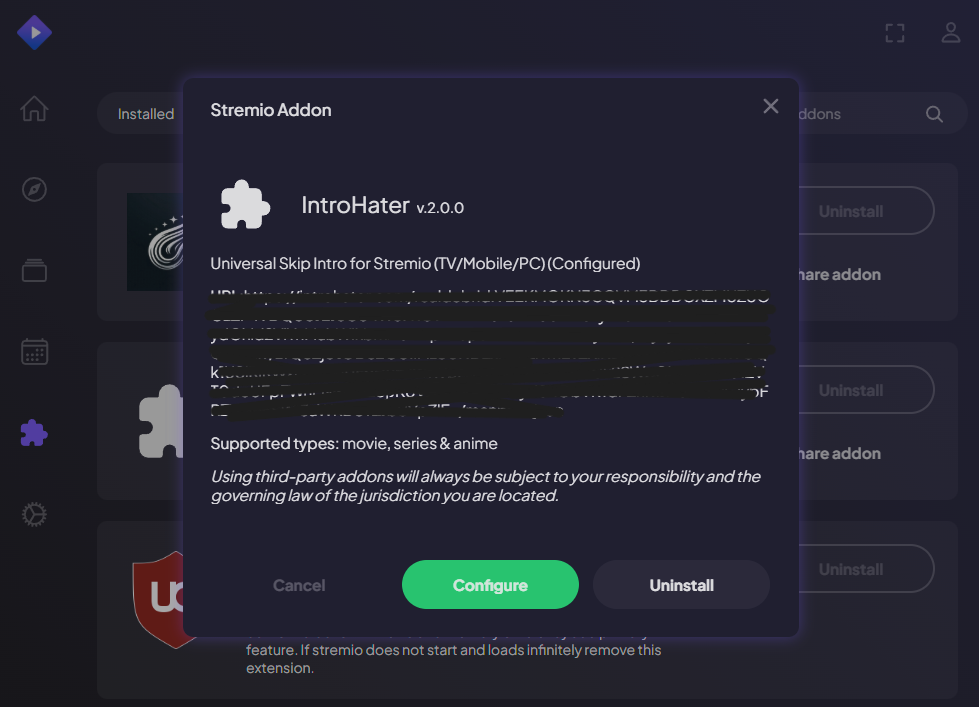
Install failed? Copy the link above and paste it into the Stremio search bar (especially on TV and web).
Previously installed? Regenerate your link โ€” old install URLs may have broken scraper encoding.